
Ask for Google Reviews
Grow your Google reputation on autopilot.
Automatically email customers after their visit and ask them to leave a review on Google Maps.
Opens a real workspace with sample data — no signup, nothing to install.
Where it appears
Sends an email to the customer after you mark their booking as completed. Set your Google review link on the setup page.
What your customers see
Customers get a friendly email with a button to leave a Google review. They can also say they already reviewed or opt out — and they're never asked again.
Why it matters
Build a stronger reputation on Google with more reviews. More reviews mean higher rankings and more new customers finding you.
How it works
Paste your Google review link once
Copy the short “Write a review” link from your Google Business Profile and paste it in. That's the whole setup — no Google login to connect, no API, no ongoing maintenance.
The ask rides along with your follow-up
After a visit, the same email that asks how it went also invites the customer to review you on Google. It's one message, not two — so customers get a single, friendly ask rather than being pestered twice.
One tap takes them to Google
Tapping the button drops them straight onto your Google review page, ready to write. There's nothing to search for and no form in between — the easier you make it, the more reviews you get.
Nobody gets asked twice
Whether someone reviews you, says they already have, or opts out, they won't be asked again. You can watch how many were sent, reviewed and opted out from the settings screen.
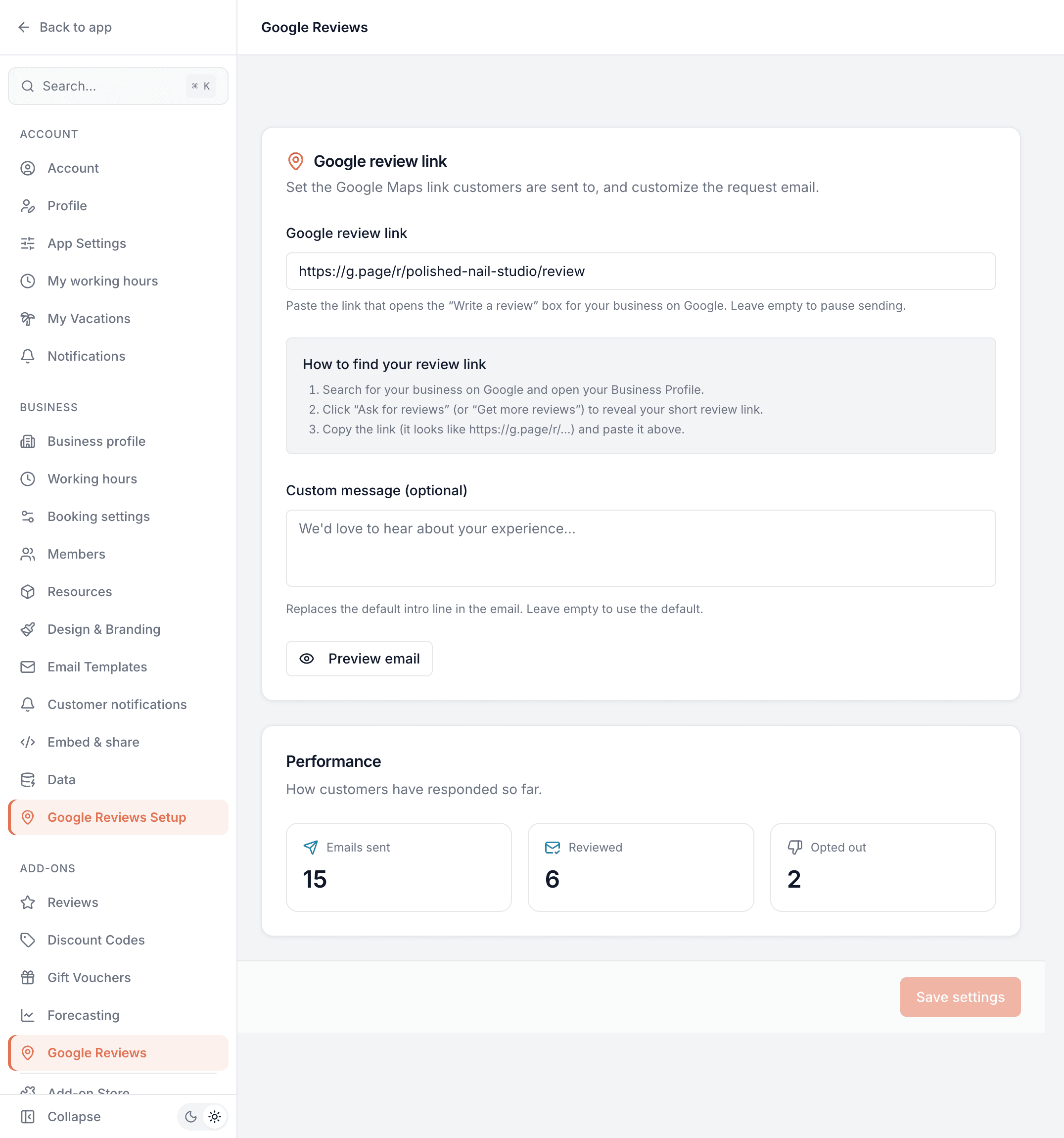
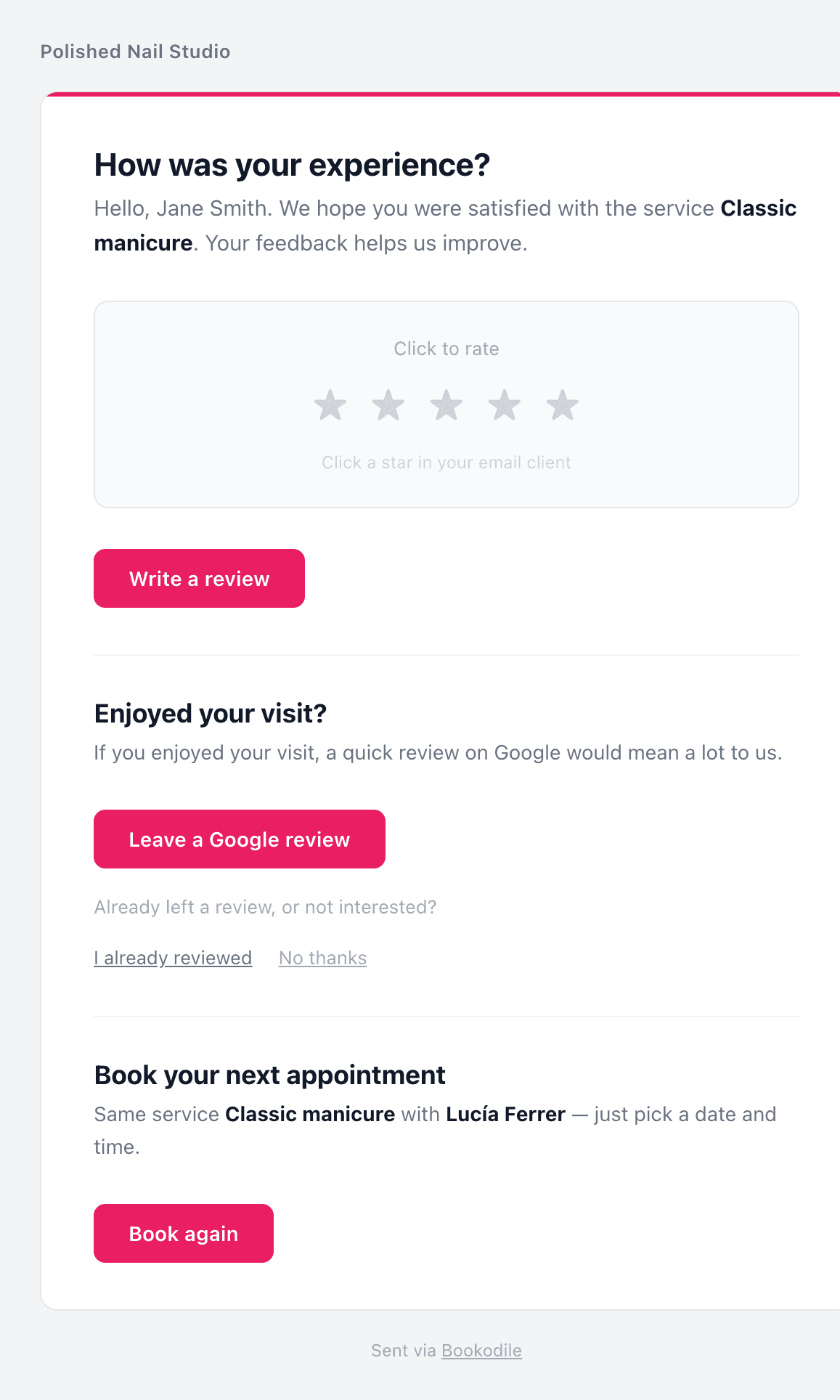
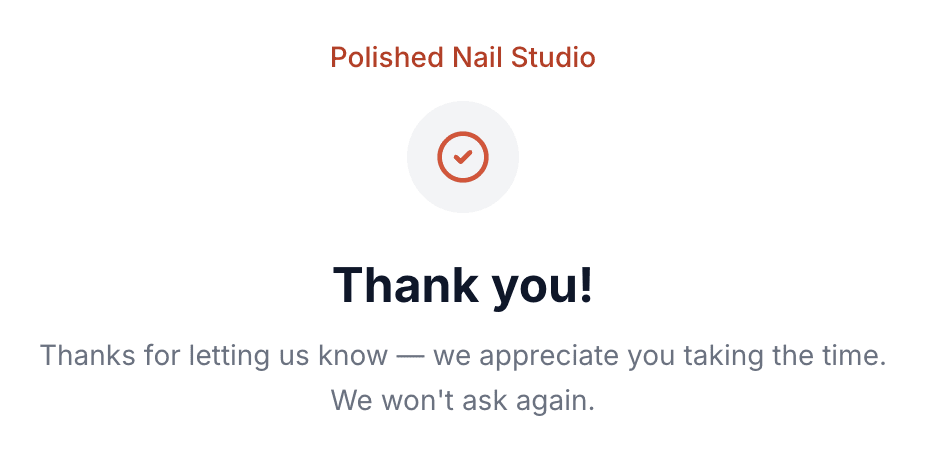
This is real sample data you can click through yourself.
Made for your business
However you take bookings, here's what it looks like for you.
Barbershop
Turn a fully booked week into a steady stream of Google reviews, without ever having to ask at the chair.
Nail & beauty studio
Build the star rating that makes new clients choose you, one post-visit email at a time.
Gym & studio
Capture members' goodwill right after a good session, when they're most likely to leave five stars.
Photo studio
Collect the reviews that reassure someone trusting you with their wedding or family shoot.
Common questions
- Do I need to connect my Google account?
- No. You just paste the public “Write a review” link from your Google Business Profile — there's no login to connect and no API to configure.
- Does this send a separate email?
- No. The Google ask is built into the same post-visit follow-up as the Reviews add-on, so a customer gets one email, not two.
- Can it stop unhappy customers leaving a bad Google review?
- No — and we wouldn't build it to. Every customer gets the same ask, whatever they thought of the visit, and the button links straight to Google. Asking only the ones who seem happy is what Google calls review gating, and its rules don't allow it. The internal Reviews add-on is the place to hear private feedback; this add-on just makes the public ask easy.
- Will someone be asked over and over?
- No. Once a customer reviews you, says they already have, or opts out, they're never asked again.
- What can I see?
- The setup screen shows how many requests were sent, how many led to a review, and how many opted out.
Ready to try Ask for Google Reviews?
It's included in Bookodile — turn it on in a click, no setup required.