
Events
Sell out workshops, classes and one-off events.
Create and manage special one-off events with registration, capacity limits, pricing, and optional payment. Share public event pages for sign-ups.
Opens a real workspace with sample data — no signup, nothing to install.
Where it appears
A dedicated Events section appears in the main sidebar. Published events get a public page where customers can register. A shareable link is provided for each event.
What your customers see
Customers visit the public event page, see event details (date, time, venue, capacity, price), and register with their name and contact info. Payment can be required via Stripe.
Why it matters
Host workshops, classes, or special occasions alongside your regular services. Manage registrations and capacity from one place.
How it works
Set it up as a draft first
Give the event a title, description, venue, date, start and end time, a capacity and a price. It saves as a draft, so you can get the details right before anyone can see it.
Publish it and share the link
One switch makes it live. You get a public page for that event and a list of everything upcoming — both work for anyone with the link, with no account and no login. Put it in an email, a story or a WhatsApp group.
People register themselves
They fill in their name and contact details and they're on the list. If you've asked for payment and set a price, they're taken to a card checkout; otherwise registering is all there is to it. Everyone who signs up is added to your customer list automatically.
Capacity holds the line
Registrations are counted against the cap you set. Once it's reached the page shows the event as full instead of a sign-up button, and the same limit is enforced when someone tries to submit — so you can't be overbooked.
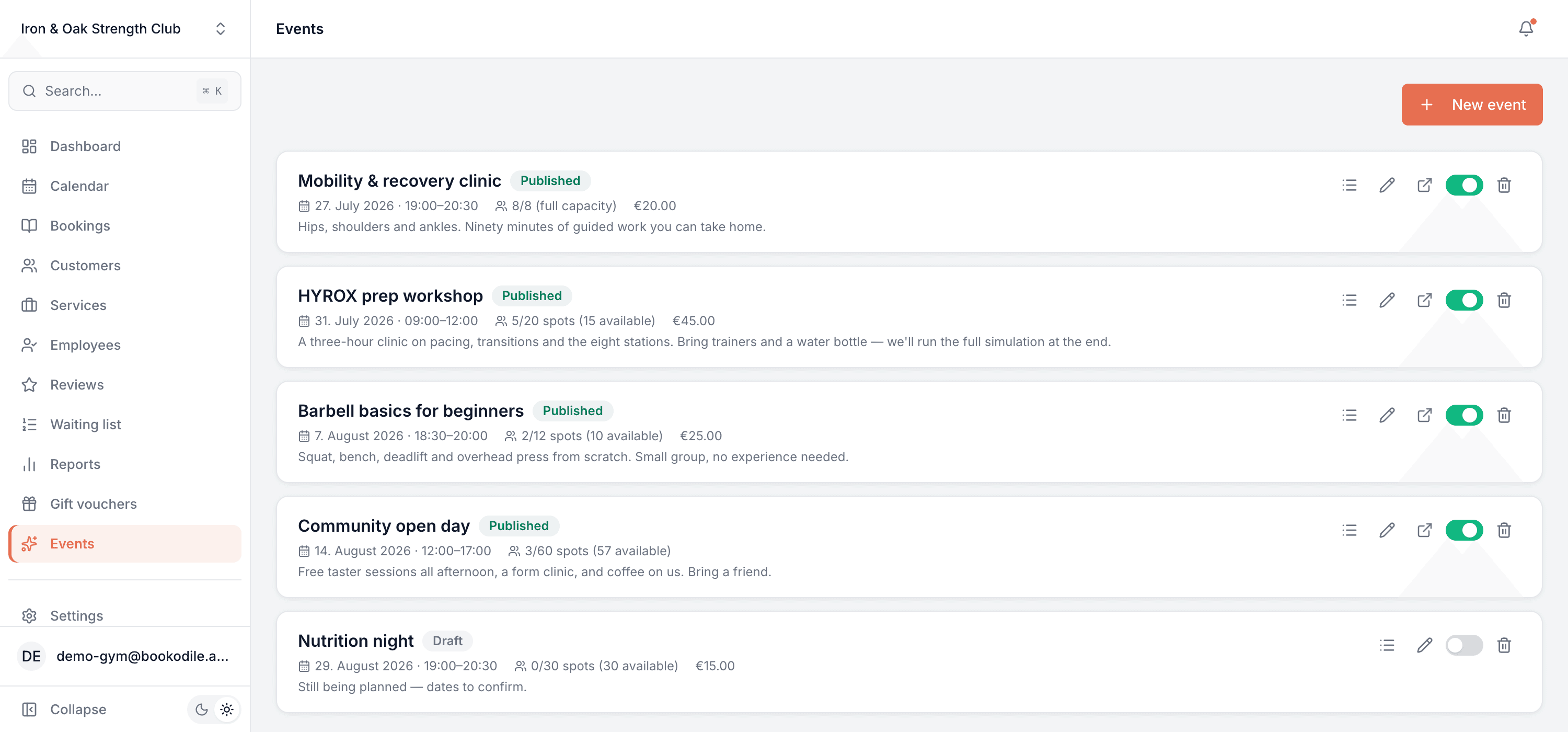
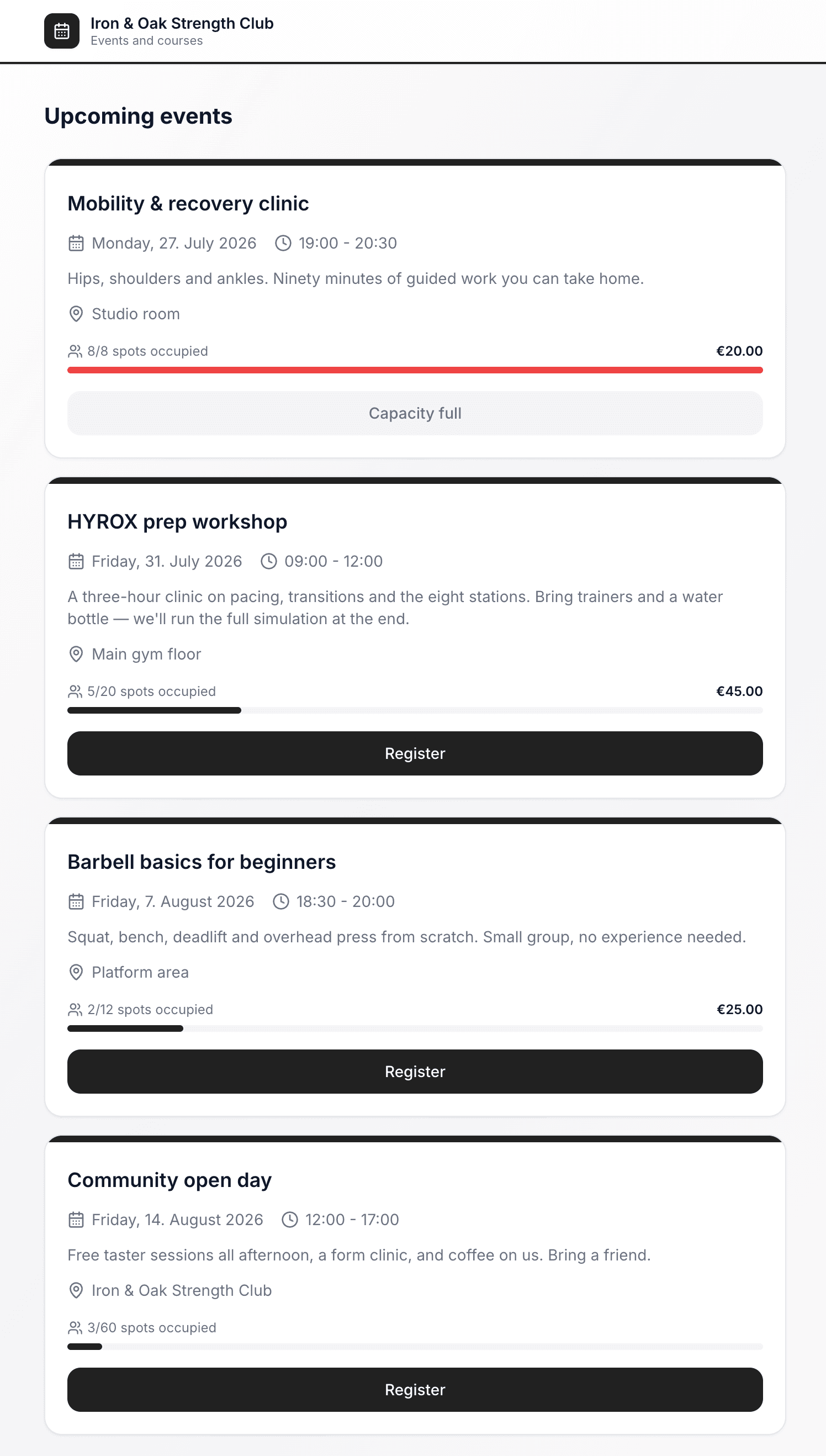
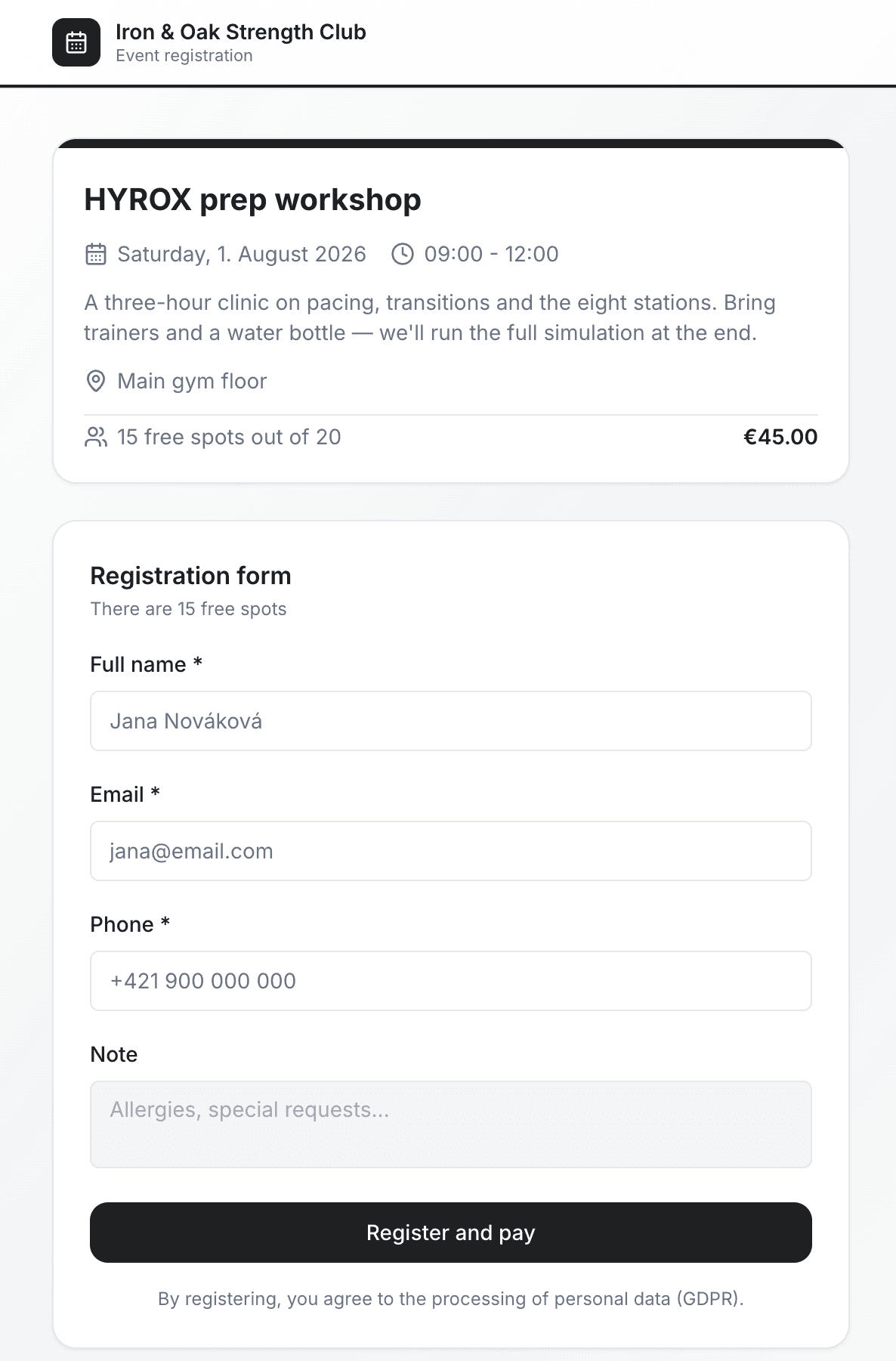
This is real sample data you can click through yourself.
Made for your business
However you take bookings, here's what it looks like for you.
Barbershop
Run a Saturday beard-care workshop for twelve people, take payment up front, and stop worrying about who said they'd come.
Nail & beauty studio
Host a nail-art masterclass with a hard cap on numbers, and share one link across your stories.
Gym & studio
Put on a technique clinic alongside normal PT slots — different pricing, different capacity, same booking page.
Photo studio
Sell places on a portfolio-building day, with card payment taken when people register.
Common questions
- Do people need an account to register?
- No. They open the link, fill in their details and they're registered. The page works for a logged-out visitor on any device.
- Can I charge for an event?
- Yes. Set a price and switch on payment, and registrants are taken to a card checkout. You can also set a price for reference and collect the money in person, or run the event free.
- What happens when it fills up?
- The public page stops offering registration and shows the event as full. The cap is checked again when someone submits, so two people finishing at the same moment can't both take the last place.
- Can someone register twice by mistake?
- No — one registration per email address per event.
- Do old events disappear?
- Yes. The public list only shows what's still upcoming, so it tidies itself as dates pass. Past events stay in your dashboard with their registrant lists intact.
- Where do I see who's coming?
- Each event has a registrant list with names, contact details and whether they've paid. Everyone who registers is also added to your customers, so their history builds up like any other client.
Ready to try Events?
It's included in Bookodile — turn it on in a click, no setup required.