
Embed & QR
Put booking on your website — or on a poster.
Drop booking straight into your own website as a widget or a button, share a clean link anywhere, or print a QR code that opens your booking page.
Part of every plan — nothing to switch on.
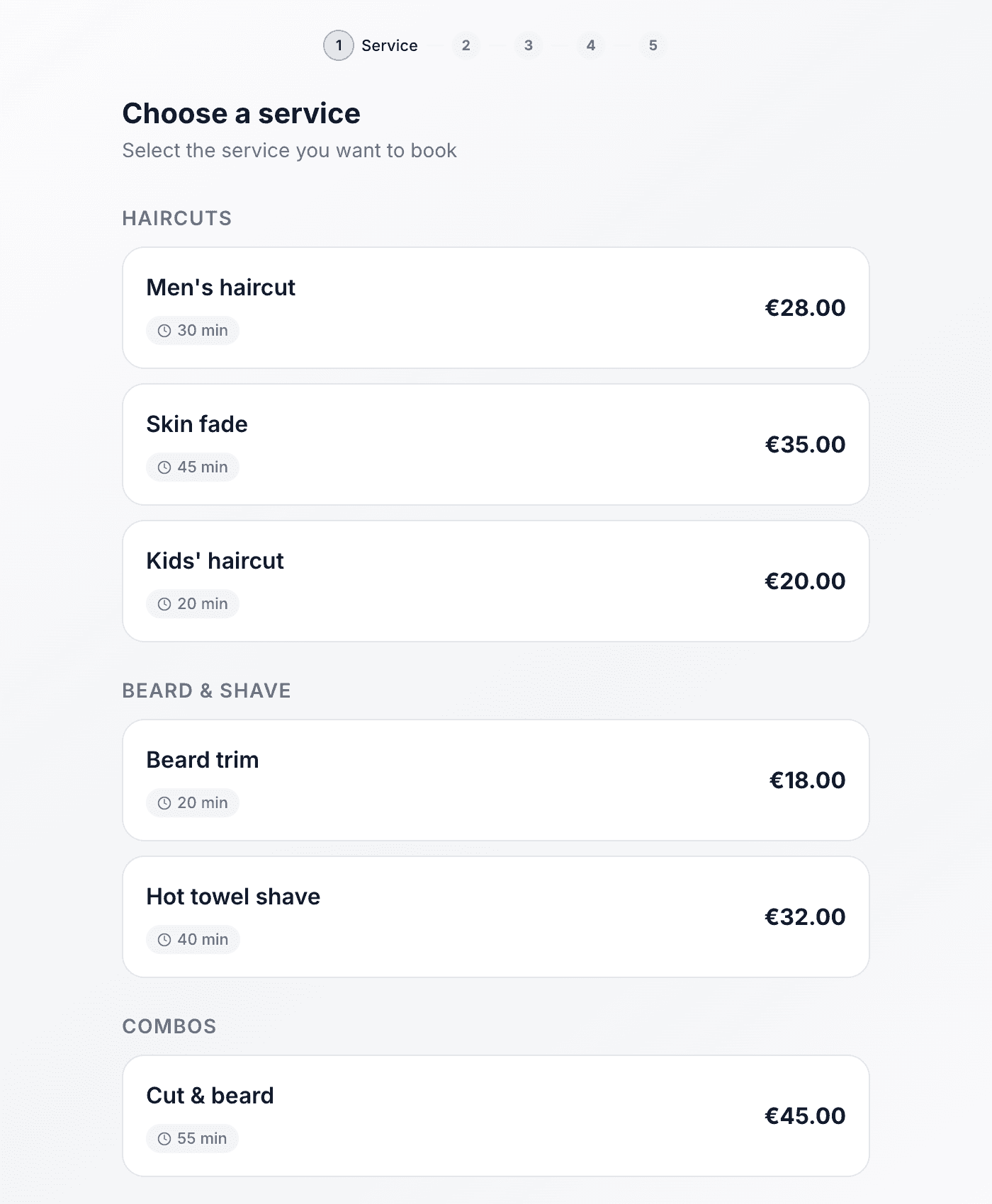
Drop it into any site
Paste one snippet of HTML and the whole booking flow appears on your page — WordPress, Wix, Squarespace or a hand-built site.
A button, or the whole widget
Show the widget inline, or add a "Book now" button that opens it in a pop-up over your page when someone's ready.
A QR code to print
Download a QR code and put it on your door, your counter or a flyer — a scan takes people straight to booking.
A link to share anywhere
Every business gets a clean booking link for your bio, your posts, your Google profile or a quick text.
It's your branding
The widget carries your name, colour and services, so it looks like part of your own site — not a bolt-on.
Works on any screen
The widget resizes to fit wherever it lands, and reads cleanly on a phone — where most people will book.
Paste one snippet, and you're taking bookings
Copy the embed code from your dashboard and drop it into your website. The full booking widget appears right on the page — or add a button that pops it open. No plugin, no developer, no leaving your site to book.
- Inline widget — the booking flow, right inside your own page
- Button + pop-up — a "Book now" button that opens the widget over your site
- A plain booking link for anywhere a link goes
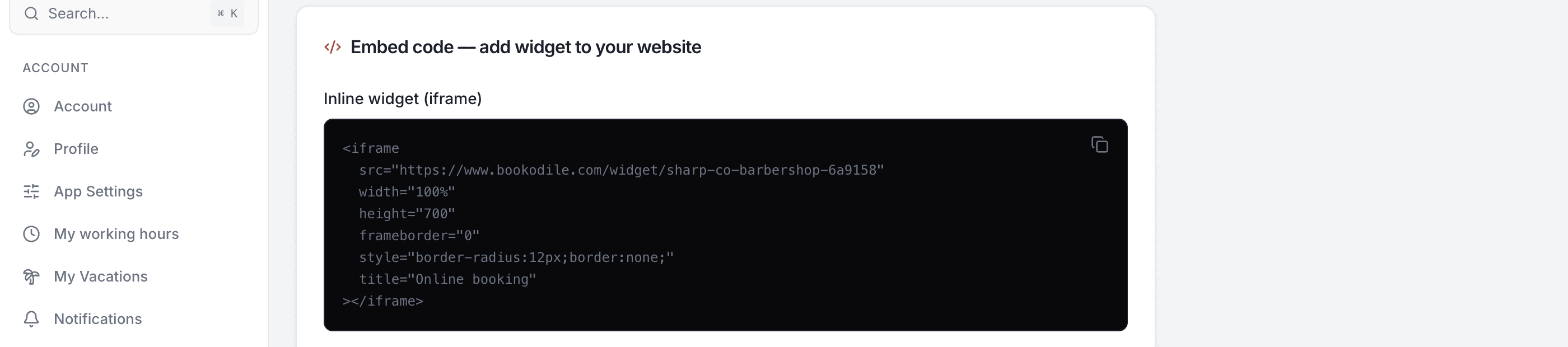
A QR code for the real world
Not every customer is on your website. Download your booking QR code and print it — on the door, the counter, a flyer, a business card. A quick scan takes them straight to your booking page.
- Download the QR as an image, ready to print at any size
- Points straight at your booking page — no app, no typing
- Copy the booking link to paste into your bio, posts or a reply
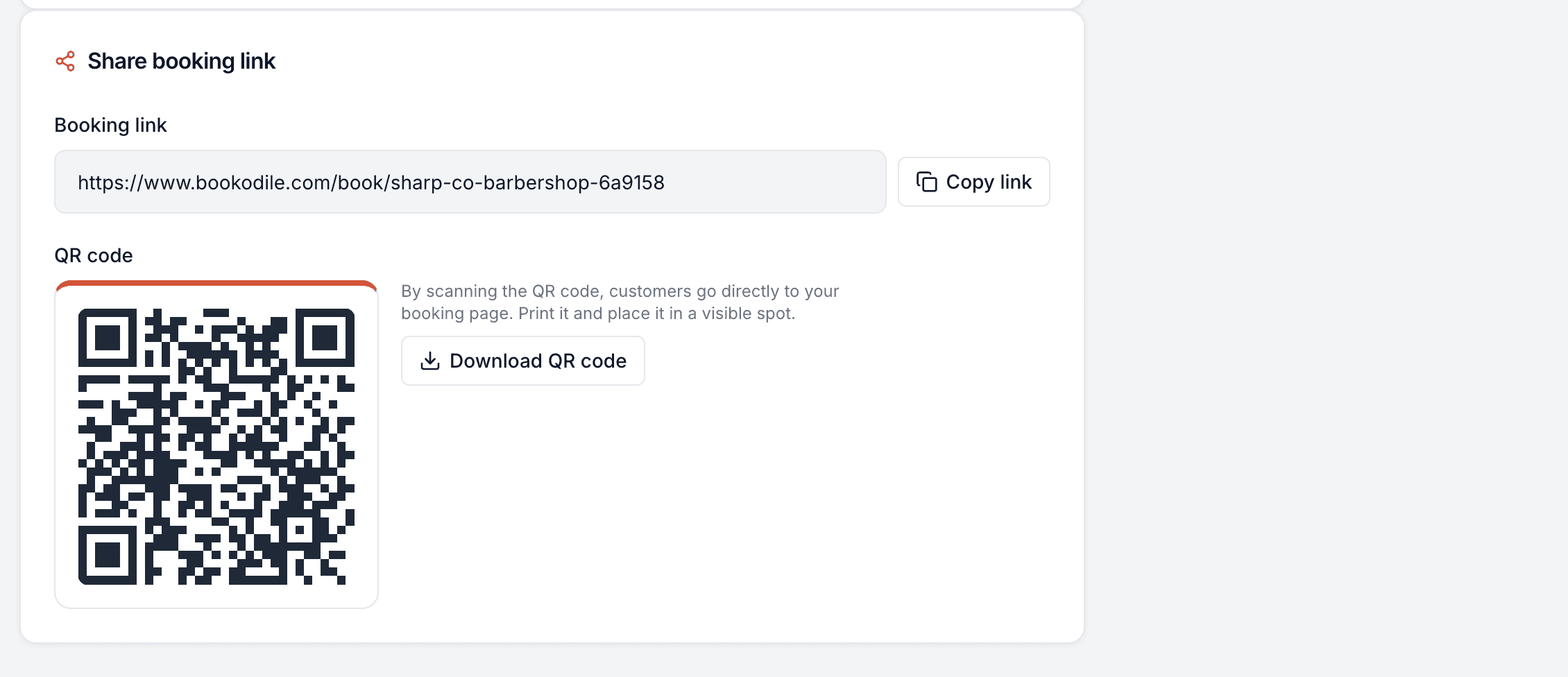
Made for the phone in your pocket
Everything works on mobile — for you on the go, and for the customers booking you.
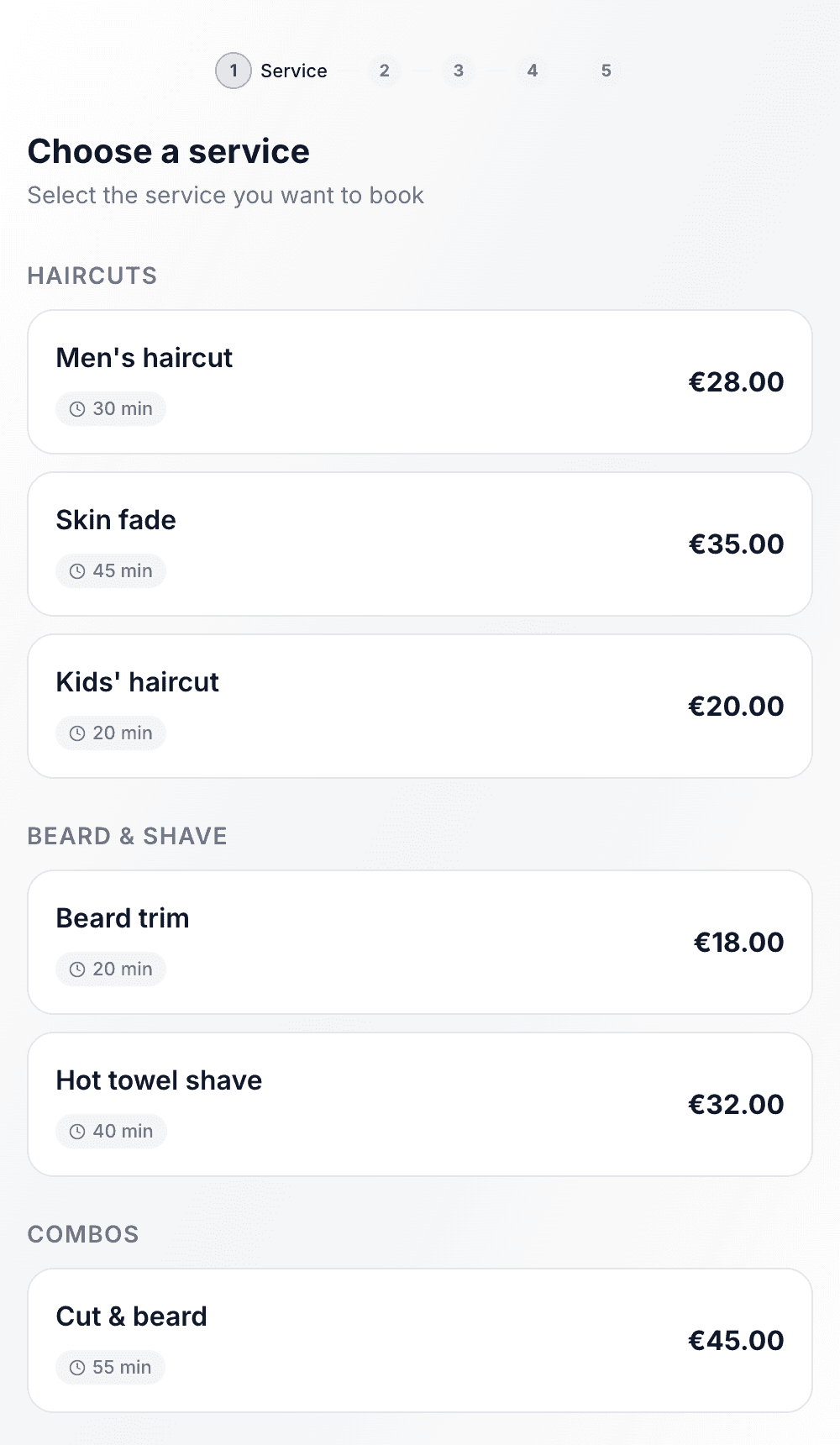
Embedded, linked or scanned — booking works the same on any screen.
Common questions
- How do I put booking on my website?
- Copy the embed code from your dashboard and paste it into your site's HTML — WordPress, Wix, Squarespace or a hand-built page. The booking widget appears right there. No plugin or developer needed.
- Can I use a button instead of showing the whole widget?
- Yes. There's a second snippet for a "Book now" button that opens the booking widget in a pop-up over your page, so it only appears when someone's ready to book.
- What's the QR code for?
- Download it and print it — on your door, your counter, a flyer, a card. Anyone who scans it lands straight on your booking page, with no typing.
- Do I get a plain booking link too?
- Yes. Every business has a clean booking link you can copy and paste anywhere — your Instagram bio, a post, your Google profile or a text message.
- Will it match my branding?
- Yes. The widget uses your business name, colour and services, so it looks like part of your own site rather than a third-party add-on.
- Does it work on phones?
- Yes. The widget resizes to fit wherever you put it and works cleanly on a phone — which is where most customers will book.
Embed & QR is in every Bookodile account
Along with everything else you need to take bookings — nothing to switch on, no add-on required.