
Photos with AI
Professional photos from the phone in your pocket.
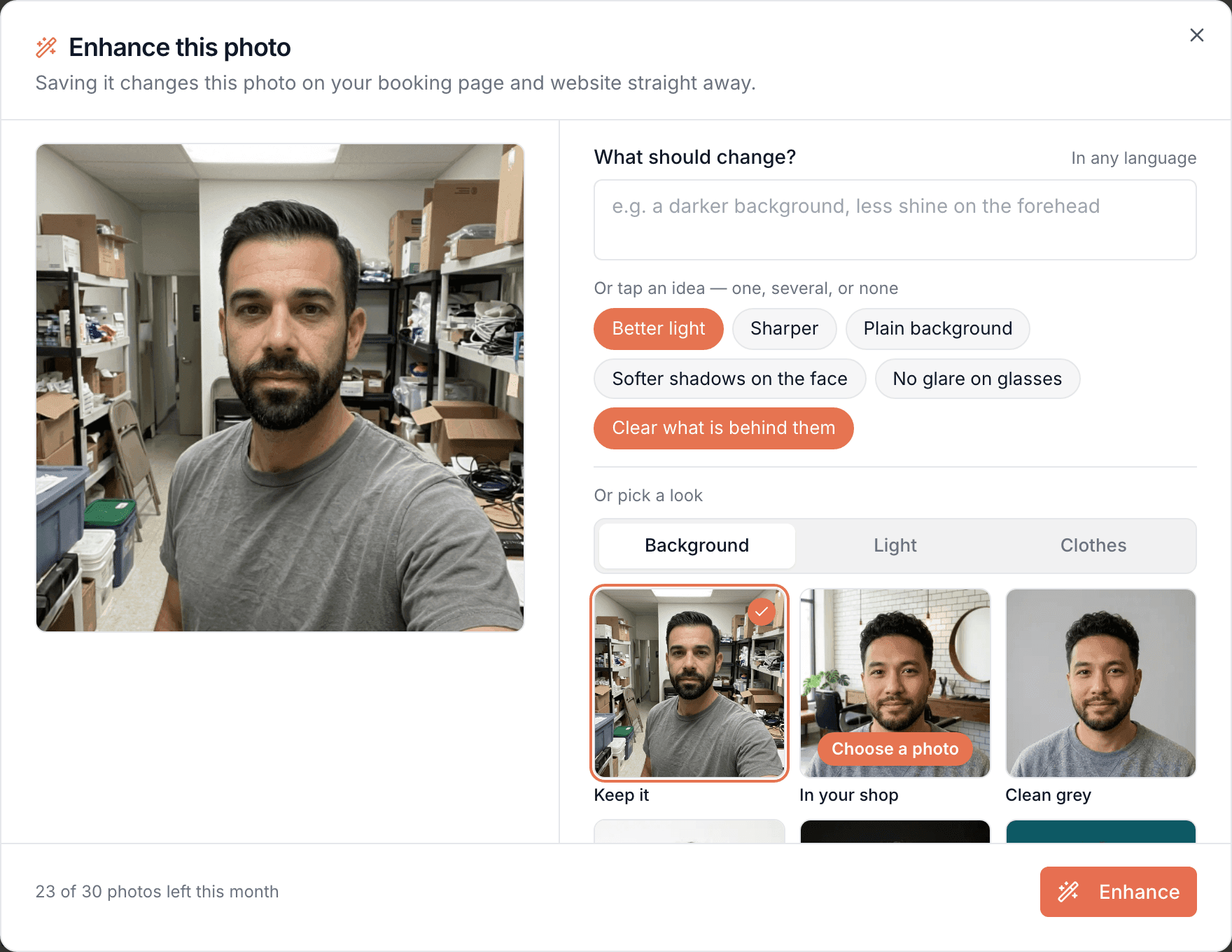
Take a photo on your phone and Bookodile makes it look professional: better light, a tidier room, a cleaner background. No photo for a service yet? It can make one. Good pictures for your website, without a photographer.
Part of every plan — nothing to switch on.
Made for your phone
Take the picture between two customers, tap Enhance, and it's on your website. It all works on a phone, with nothing to install.
Your words, a tap, or a picture
Say it in your own words, in any language, tap ideas made for your kind of business, or point at a look in a row of real photos.
Your team, in your own shop
Enhance a team member's photo and put them in your shop, light them like a studio portrait, or give the whole team one clean backdrop. Their face, age and tattoos stay exactly as they are.
Every version kept
Each change sits in a row under the photo, so you can go back to an earlier one or try another direction.
Nothing changes until you say so
You compare before and after and choose. Your photo stays as it is until you use the new one, and nothing is public until you publish.
Real where it counts
A photo made from nothing never shows a face, your team or your front door. Customers should recognise who and what they're coming to.
In every account
Part of your website, the free account too, with 30 photos a month for each business.
A good photo is hard to take
Most businesses don't have the light, the time or the money for a photographer, and a dark, cluttered picture is the first thing a new customer sees. So take the photo you can, on your phone, and let Bookodile do the rest. It's still your place and your work, just at its best.
Better light in a dark room
Ceiling lights, a small window, a phone that guesses. Better light brightens the room and evens it out, and Cosy evening gives it a warm glow.
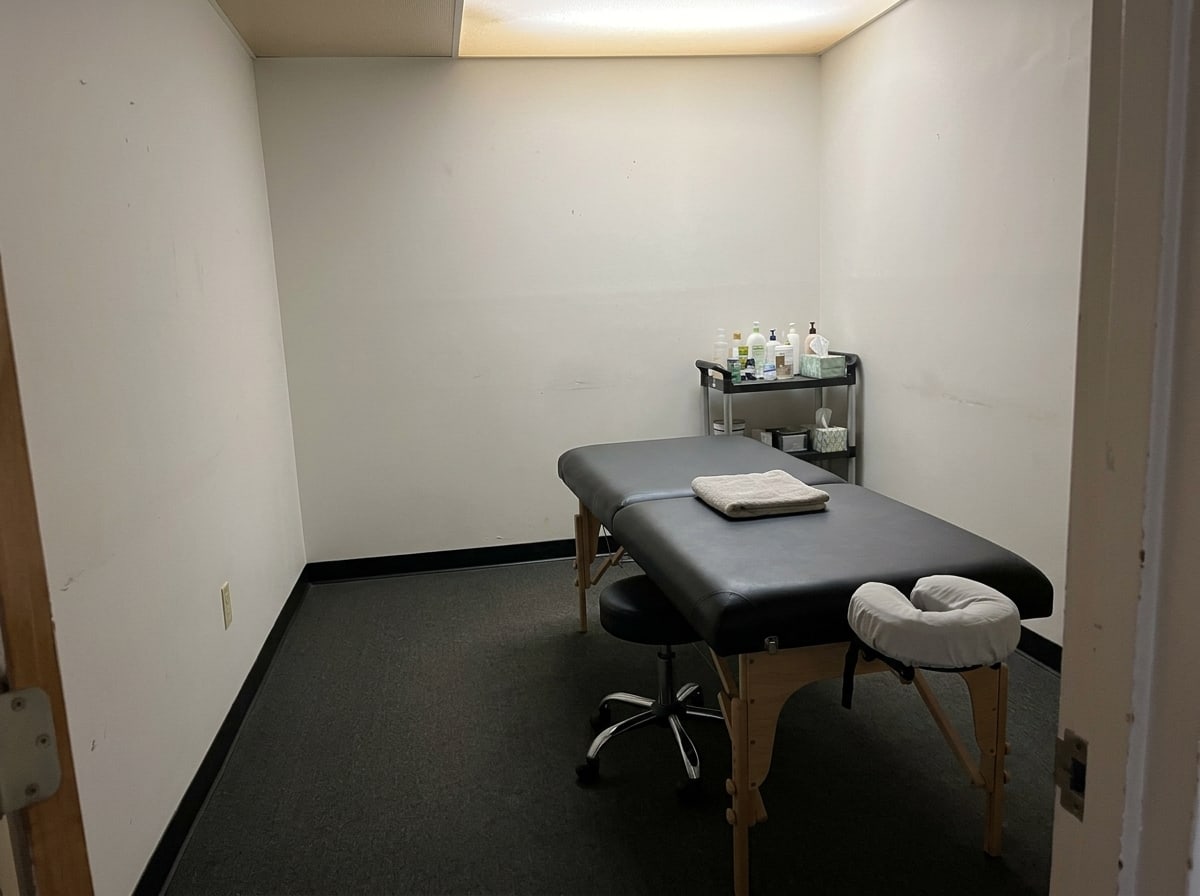
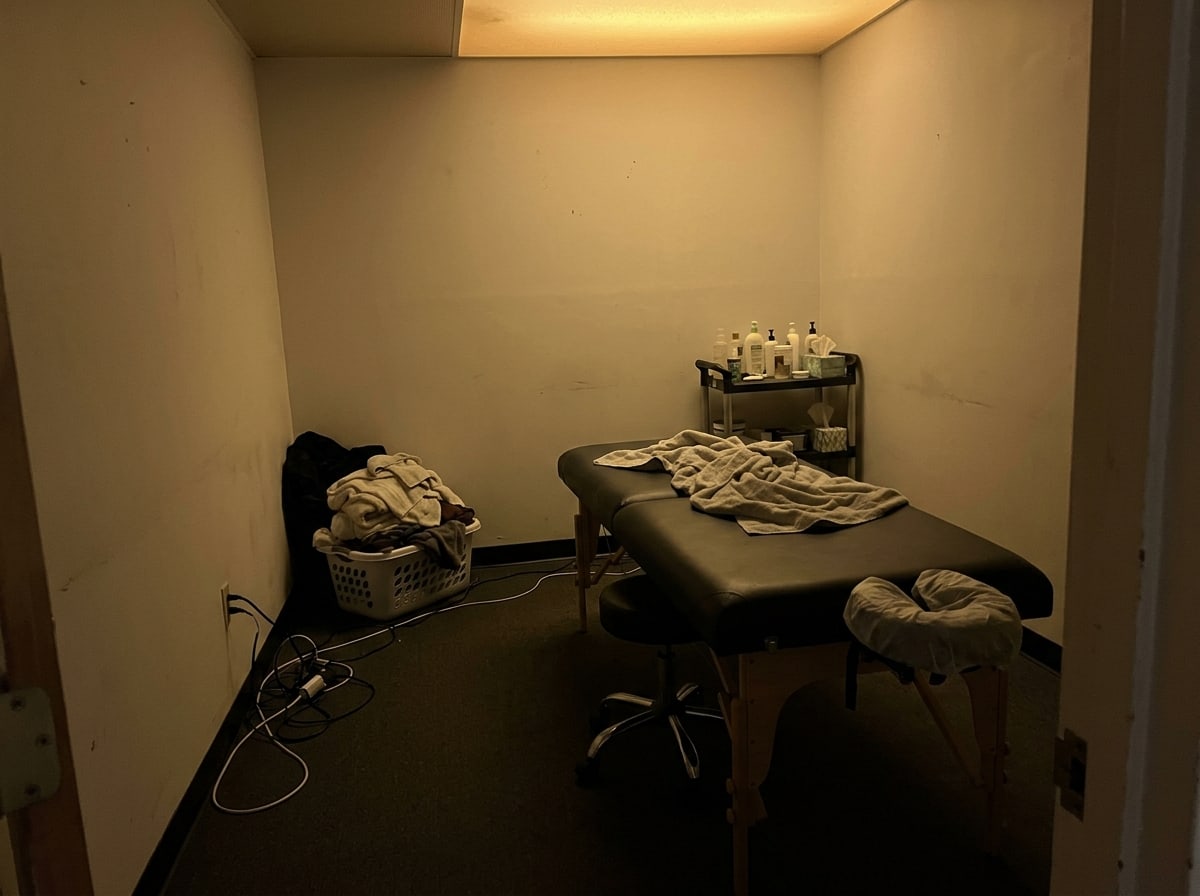 BeforeAfter
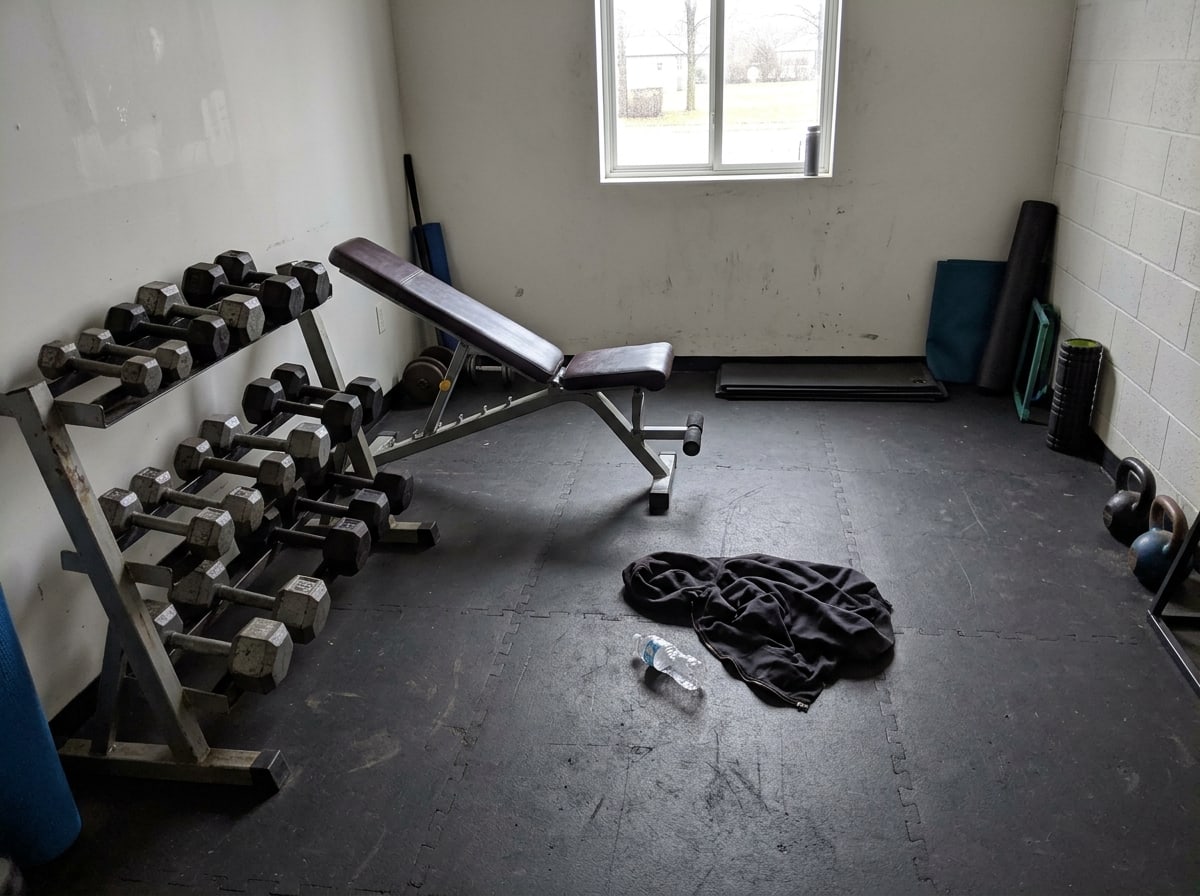
A tidier place, without the tidying
The bag on the floor, the hair by the chair, the cable you stopped seeing years ago. Tap what your place needs, like Sweep up the hair or Hide the cables, and the rest of the room stays as it is.
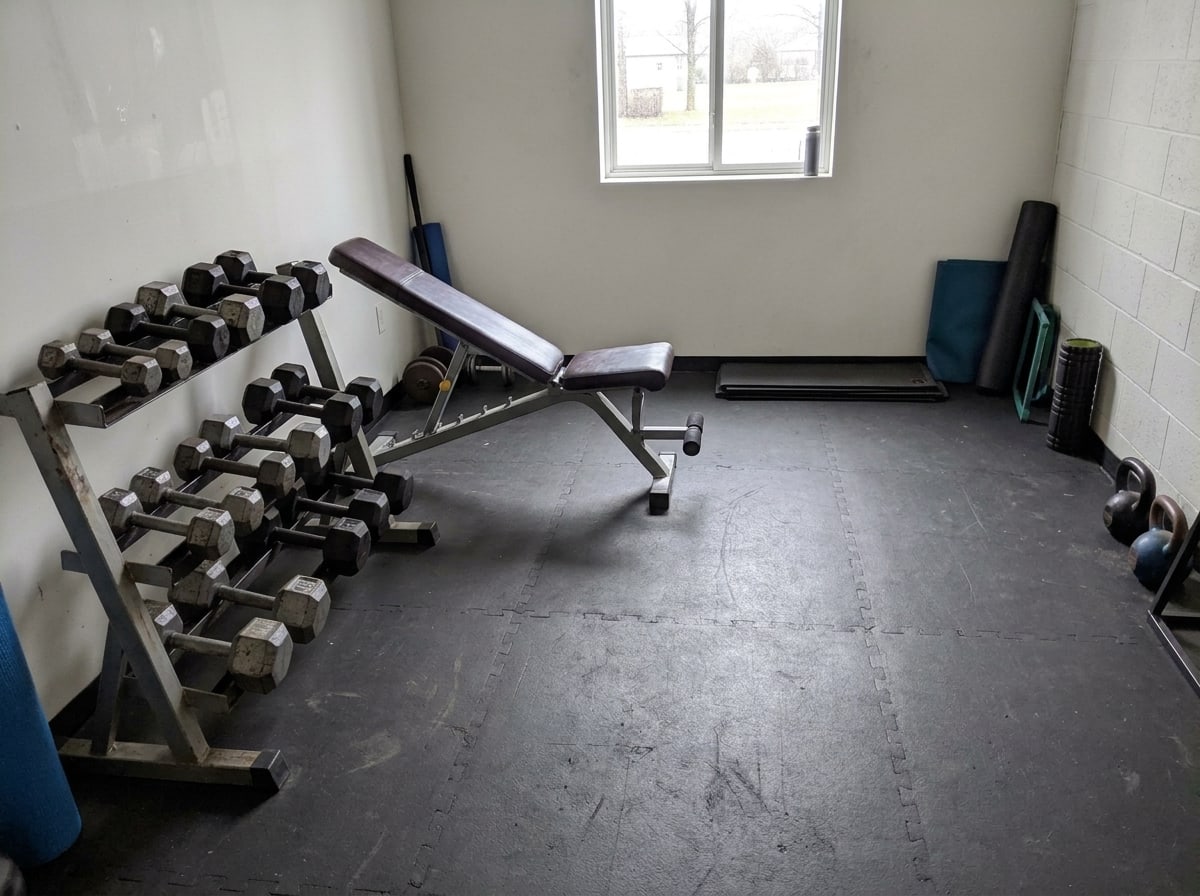
 BeforeAfter
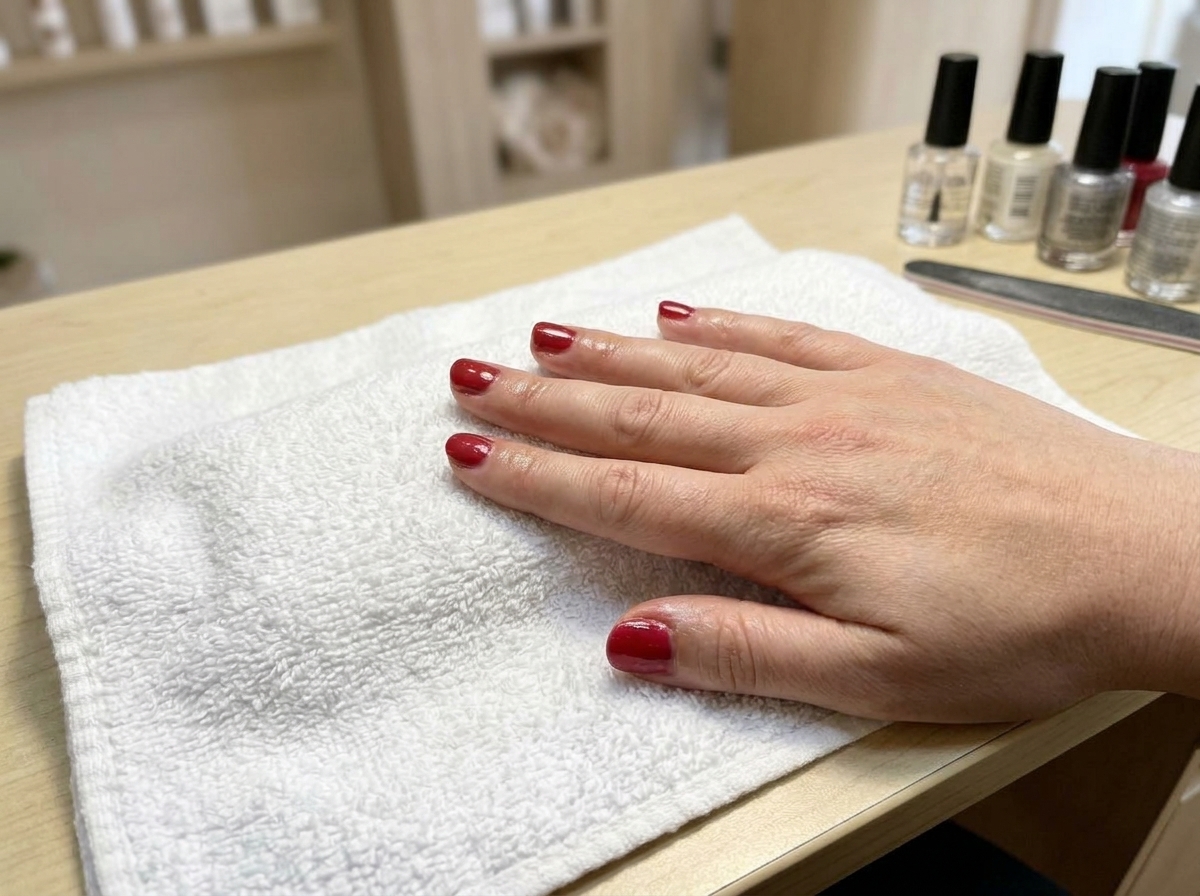
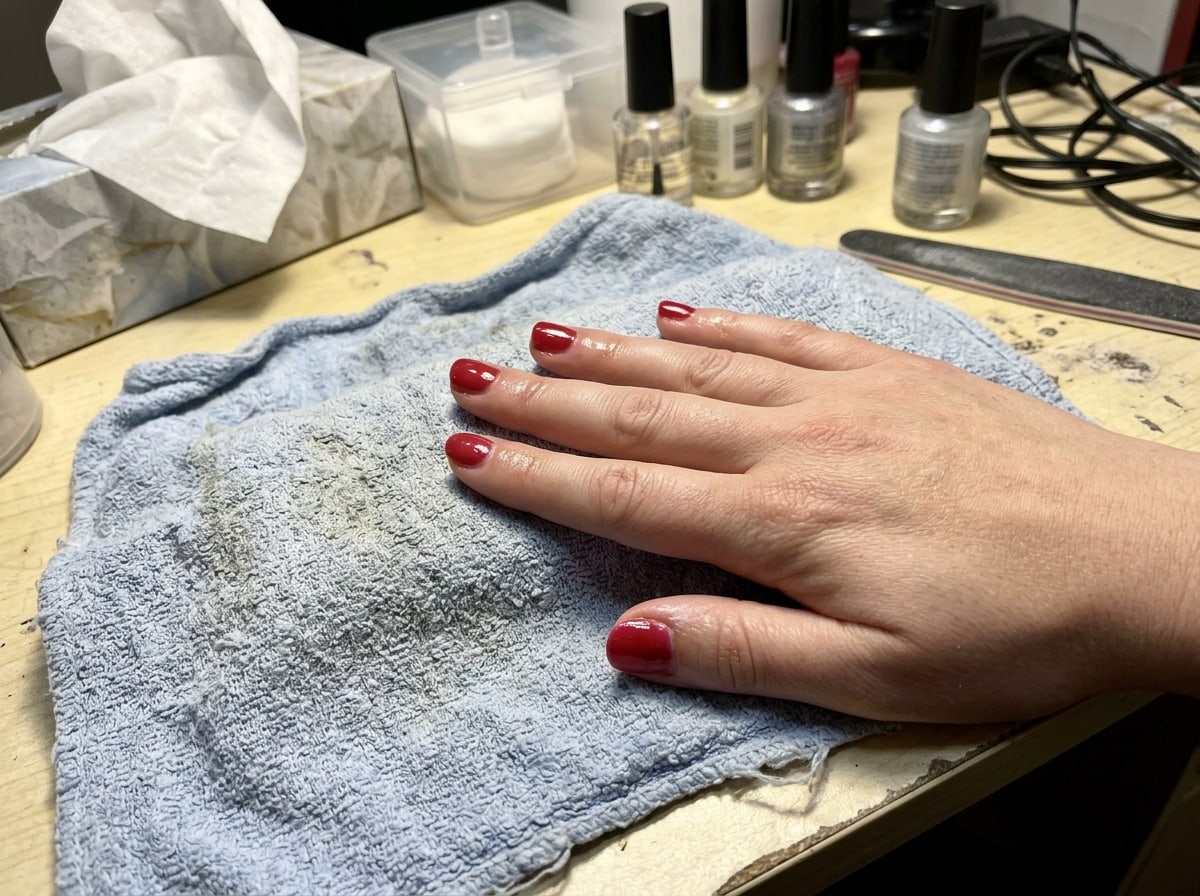
Your work, without the mess behind it
The finished result is what customers want to see. Fresh white towel, Plain surface, a Dark backdrop or your own studio clear what's around it, and the work itself stays exactly as you did it.
 BeforeAfter
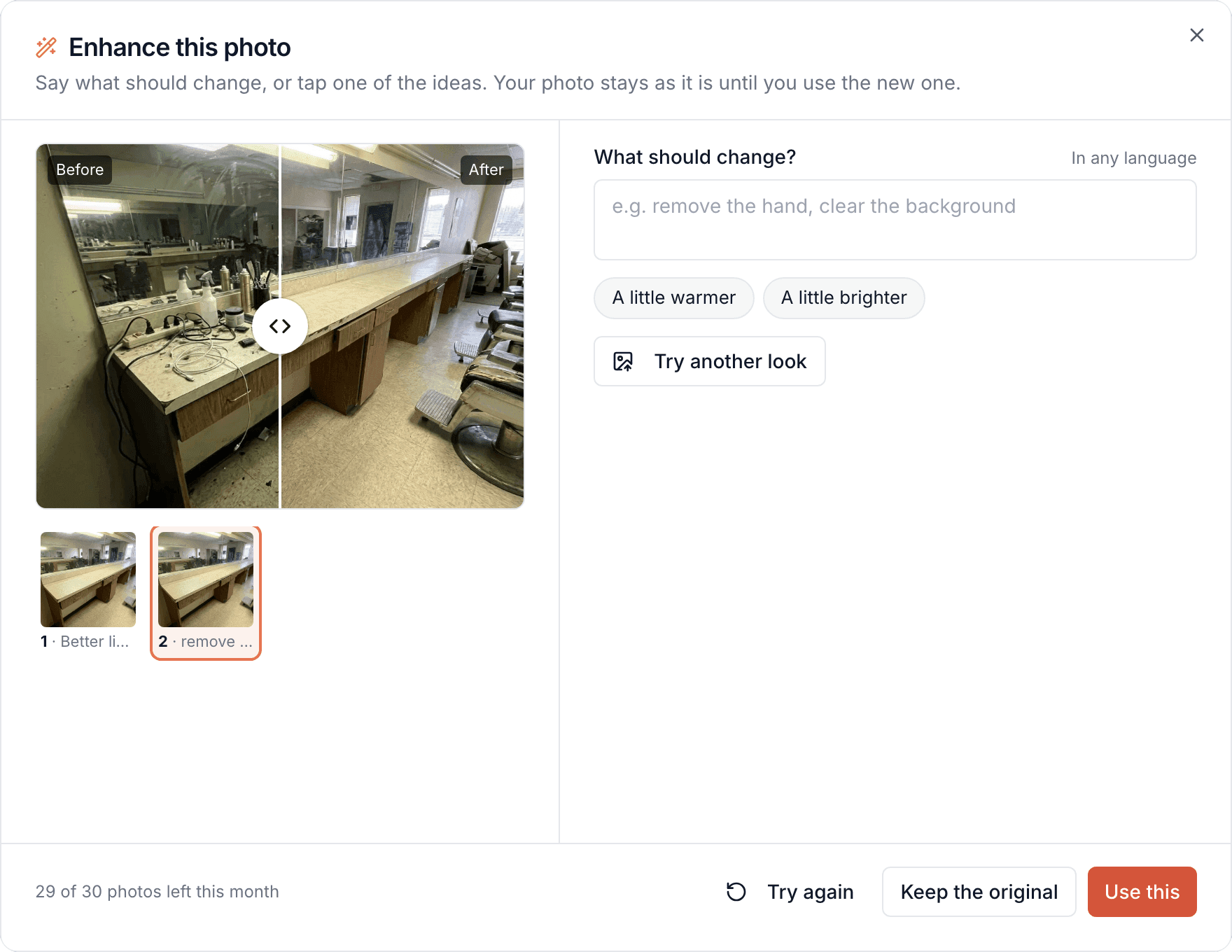
Not quite right? Just say so
Say what should change, like "remove the cables" or "warmer light", and Bookodile changes that photo rather than starting again. Every version stays, so you can always go back.
A photo for every service
No photo for a service yet? Create with AI makes one from the service's name and description, or from your own words. Ask the chat for a photo for each of your services, and it makes up to ten at a time. They're a good start until you have your own.
- The top of a page, a service, a card or your gallery
- Hands, a back, the room or the result, never a face
- Your own team and your front door stay real photos
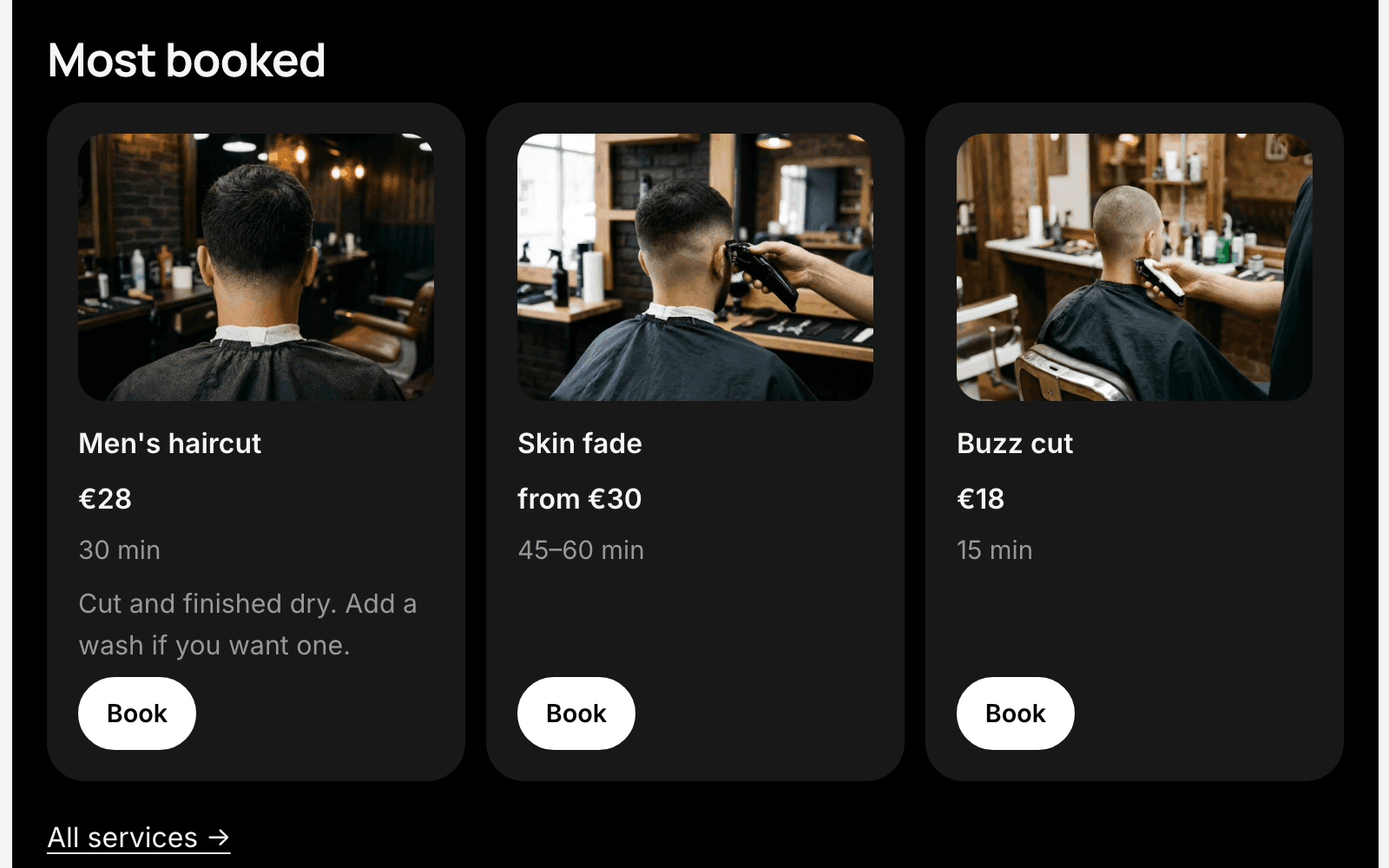
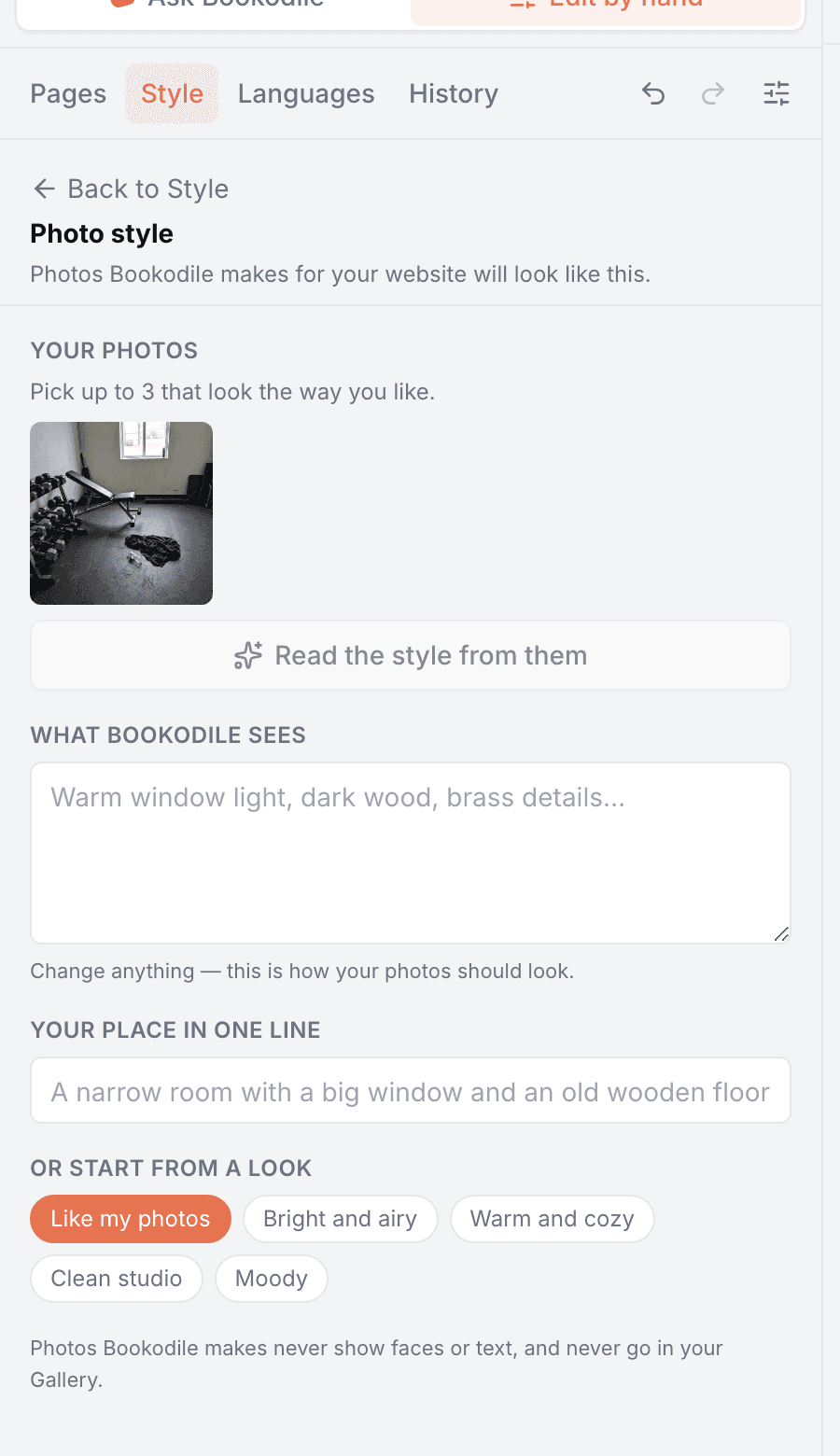
All in your own style
Pick up to three of your photos and Bookodile reads their light, colours and mood, so new photos look like they belong together. Or start from a look: bright and airy, warm and cozy, clean studio or moody.
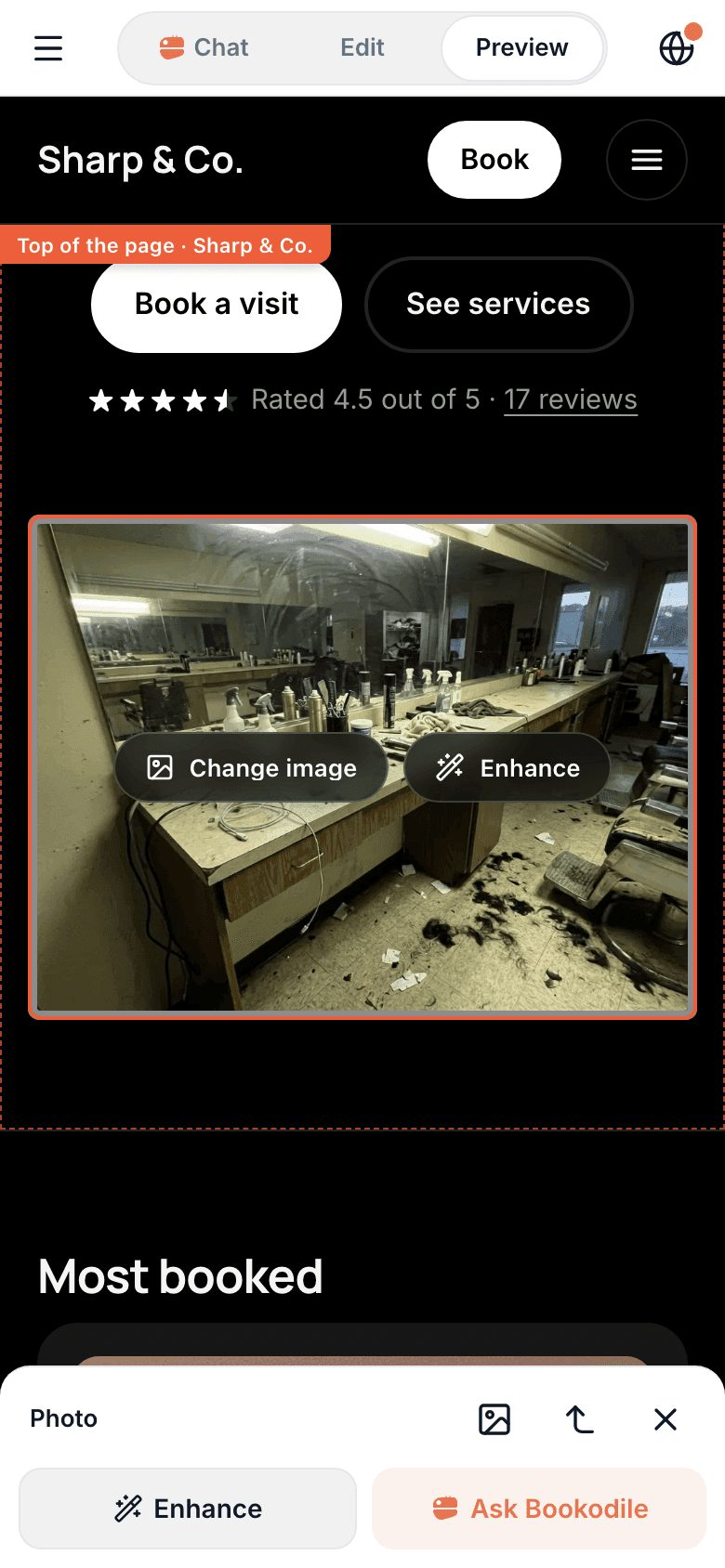
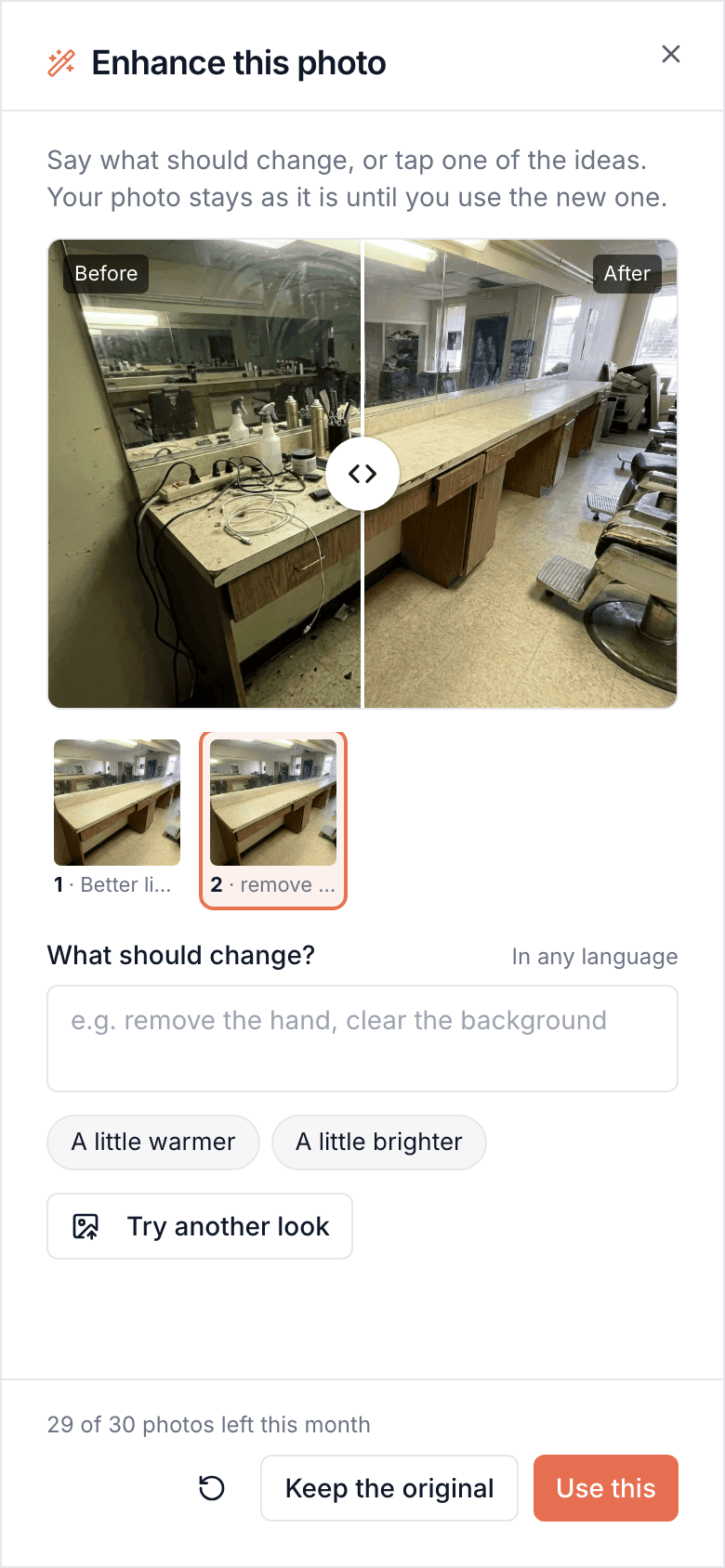
Made for the phone in your pocket
Everything works on mobile — for you on the go, and for the customers booking you.
Common questions
- Can I write in my own language?
- Yes. Type what you want in whatever language comes easiest, with or without accents. There's nothing to set, and it doesn't matter what language your account or your website is in.
- Do I need a good camera?
- No. Your phone is enough. The better the photo, the better the result, but that's what Enhance is for: a real photo of your place, taken in a hurry.
- Is it still my place?
- Yes. Enhance works from your photo, so it's your room and your work. It's AI, so small details can change, which is why you compare before and after and decide. A photo that doesn't look right stays out of your website.
- Can I enhance my team's photos?
- Yes, on the website or on their own page. Choose a backdrop, the light — a studio portrait or bold black and white among them — or what they wear, or put them in a photo of your own shop. On the website the new photo waits for Publish and the booking page keeps its own; one press copies it there too.
- What about people in my photos?
- Light, the background and clothes can change. A person's face, age, weight, skin, hair and tattoos can't, whatever is asked, and Bookodile asks you to confirm they're OK with you editing the photo. A photo Bookodile makes from nothing never shows a face or a made-up person: it shows hands, a back, the room or the result.
- What happens to my original photo?
- It's kept. When you choose Use this, the new photo takes its place everywhere it shows, and the original stays with every version you made, the original first. Tap a photo's versions in the photo manager, or pick the original in Choose from your photos, to show it again. A team member's or a service's own photo keeps every photo it has been too, under Earlier photos.
- How many photos can I make?
- 30 a month for each business, with all its locations together. Every try and every change counts as one, and the number left is always on screen. The count starts again on the 1st.
- Does it cost extra?
- No. It's part of your website, in every account, the free one too.
- Can I use them on my booking page?
- A photo made for a place is for your website, and your booking page keeps the service's own photo. Enhance a team member's or a service's own photo and it shows on both.
- Will customers see that a photo was made with AI?
- Visitors see no label. The photo manager marks the ones Bookodile made or enhanced, so you know which to swap for your own later.
- Where do my photos go?
- Making or enhancing a photo sends it, with the photos you picked for your photo style or for your own shop, to an image model outside the EU. It isn't kept there for training.
Photos with AI is in every Bookodile account
Along with everything else you need to take bookings — nothing to switch on, no add-on required.