
Google Calendar Sync
Your bookings, in the Google Calendar you already use.
Push your Bookodile bookings straight into your Google Calendar, so the calendar you already live in always shows your appointments.
Opens a real workspace with sample data — no signup, nothing to install.
How it works
Connect your Google account
One click signs you in to Google and links your calendar. There's nothing to configure after that — Bookodile connects to the account's main calendar and starts keeping it in step.
Every booking becomes a calendar event
When a booking is made, an event appears in your Google Calendar with the service, the team member, the time and the customer's details. It's the same appointment you'd see in Bookodile, now sitting alongside everything else in your day.
Changes keep up on their own
Reschedule a booking and the event moves. Cancel it and the event disappears. You never have to update two places — the calendar follows what happens in Bookodile.
Turn it off any time
A single switch pauses the sync, and disconnecting unlinks the account entirely. You stay in control of what's shared and when.
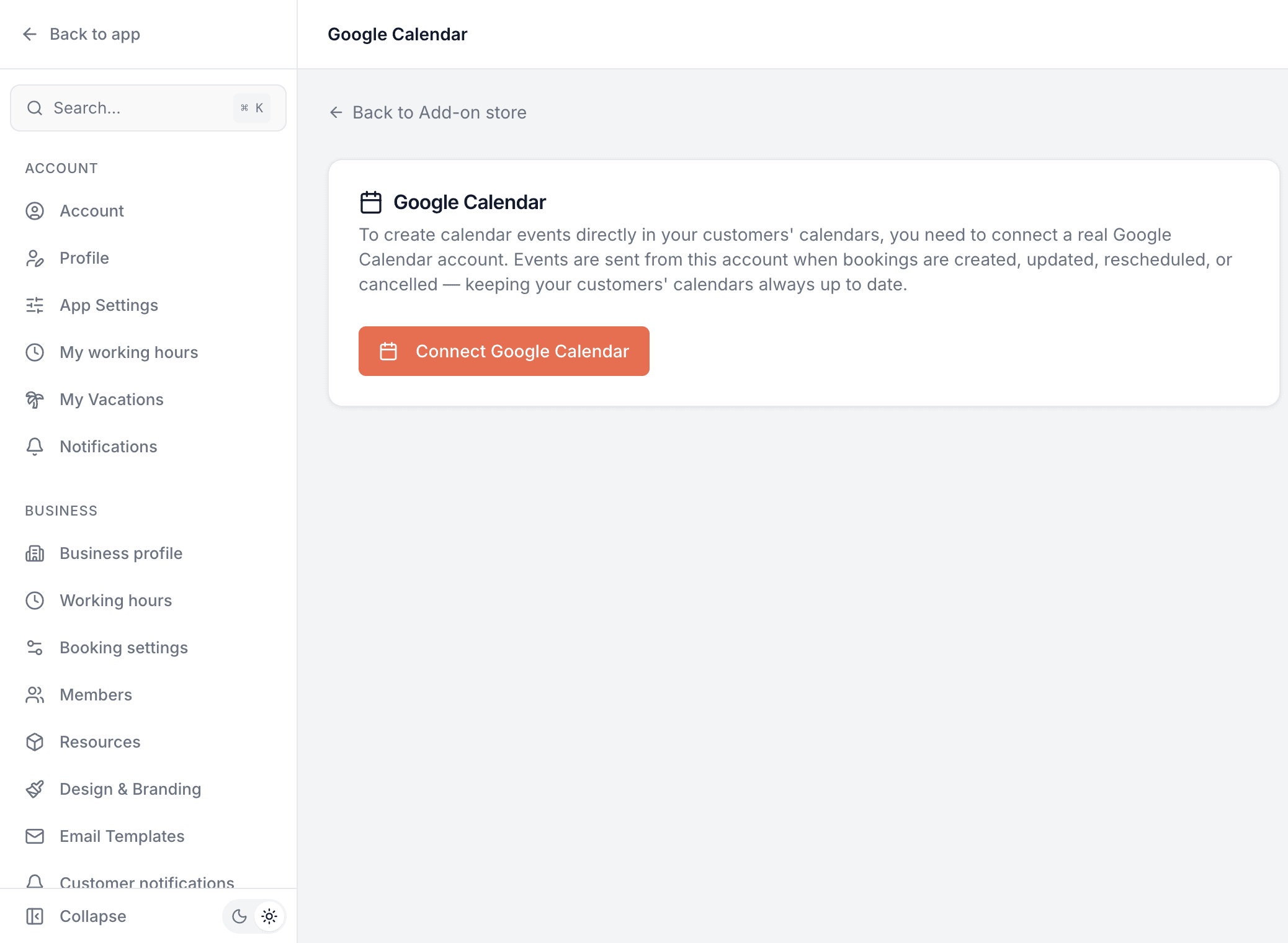
This is real sample data you can click through yourself.
Made for your business
However you take bookings, here's what it looks like for you.
Barbershop
Check your day from the Google Calendar on your phone, with every chair booking already on it.
Nail & beauty studio
Keep personal appointments and client bookings in one calendar, so a dentist trip never collides with a client.
Gym & studio
See training sessions next to the rest of your schedule without flipping between two apps.
Photo studio
Have shoots land in the Google Calendar you plan travel and edits around, updated the instant a booking changes.
Common questions
- Which way does the sync go?
- One way: from Bookodile into your Google Calendar. Your bookings create, move and remove events in Google. It doesn't read your Google events back into Bookodile, so your Bookodile availability stays governed by your working hours and bookings.
- What's on each calendar event?
- The service, the team member, the time in your business's timezone, the customer's details and a link to manage the booking — the same information as the booking itself.
- What happens when a booking changes?
- The matching Google event updates automatically on a reschedule, and is removed on a cancellation. You don't touch the calendar yourself.
- Do I need a Google account?
- Yes — this connects a real Google Calendar, so you sign in to Google once to link it. It's the only add-on that needs an outside account.
- Can I stop it?
- Any time. A switch pauses syncing, and disconnecting unlinks the Google account completely.
Ready to try Google Calendar Sync?
It's included in Bookodile — turn it on in a click, no setup required.